Photo
Rotterdam
Ocean
Updated on 22 October 2026
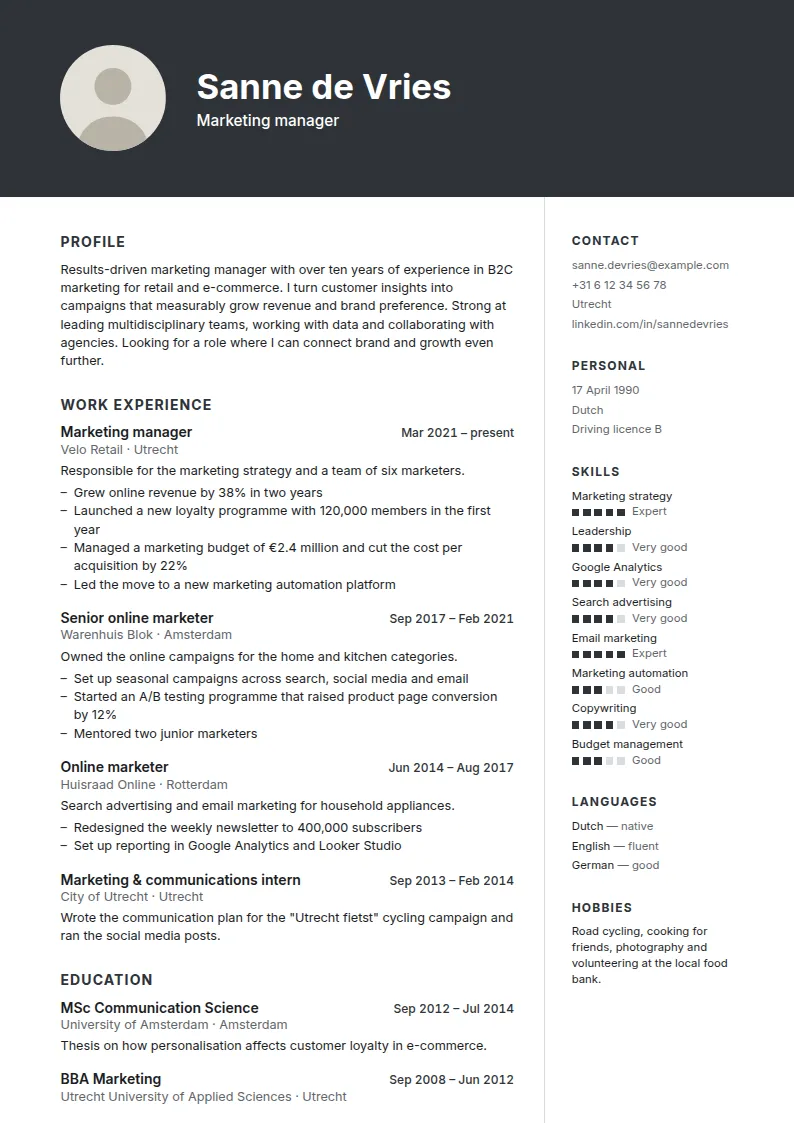
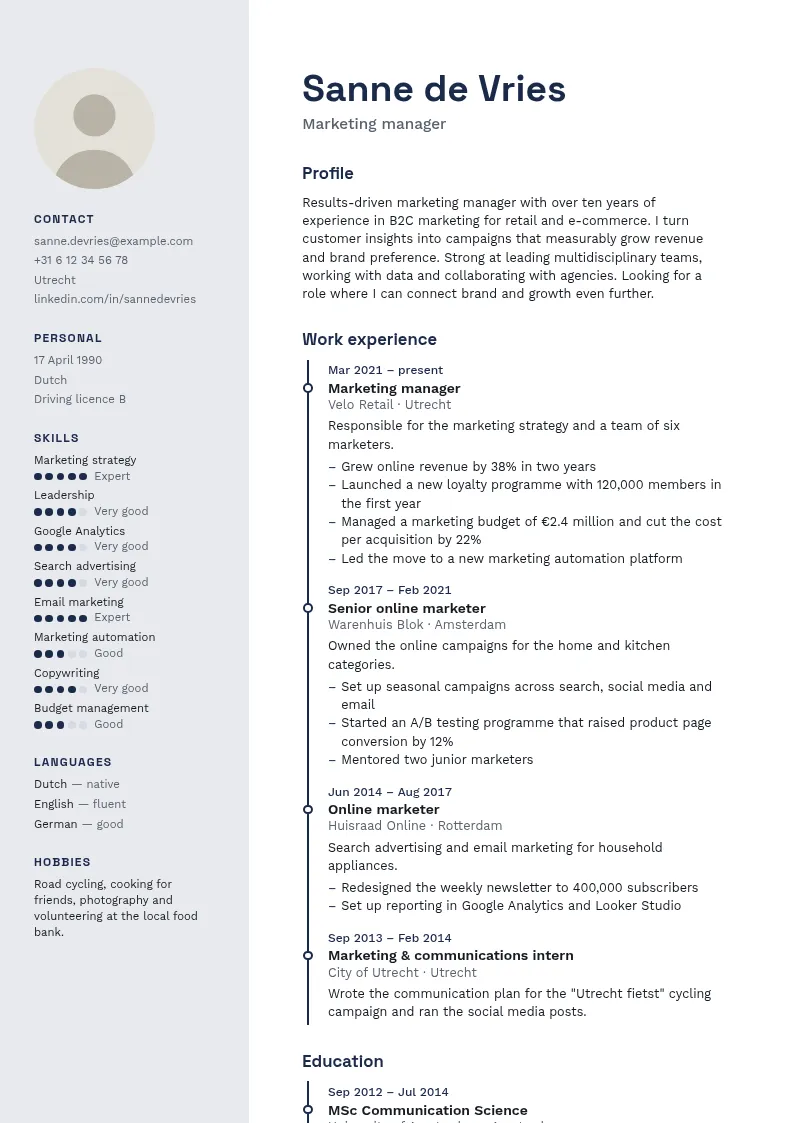
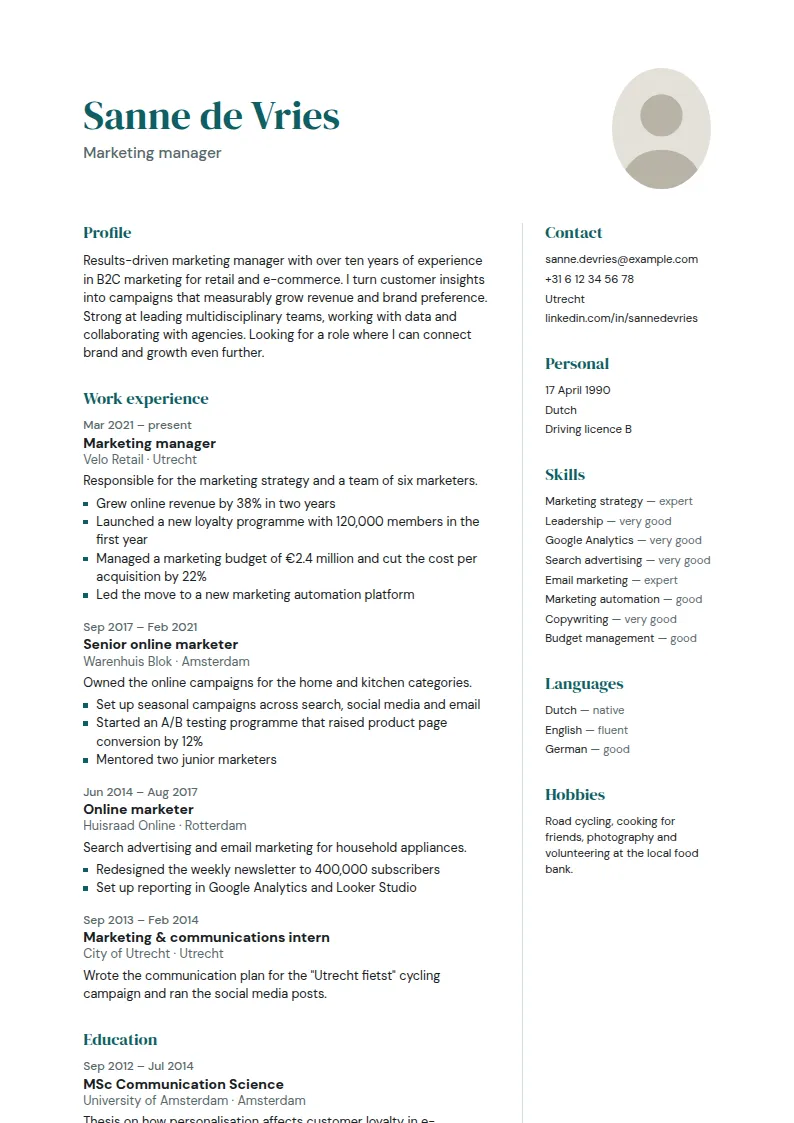
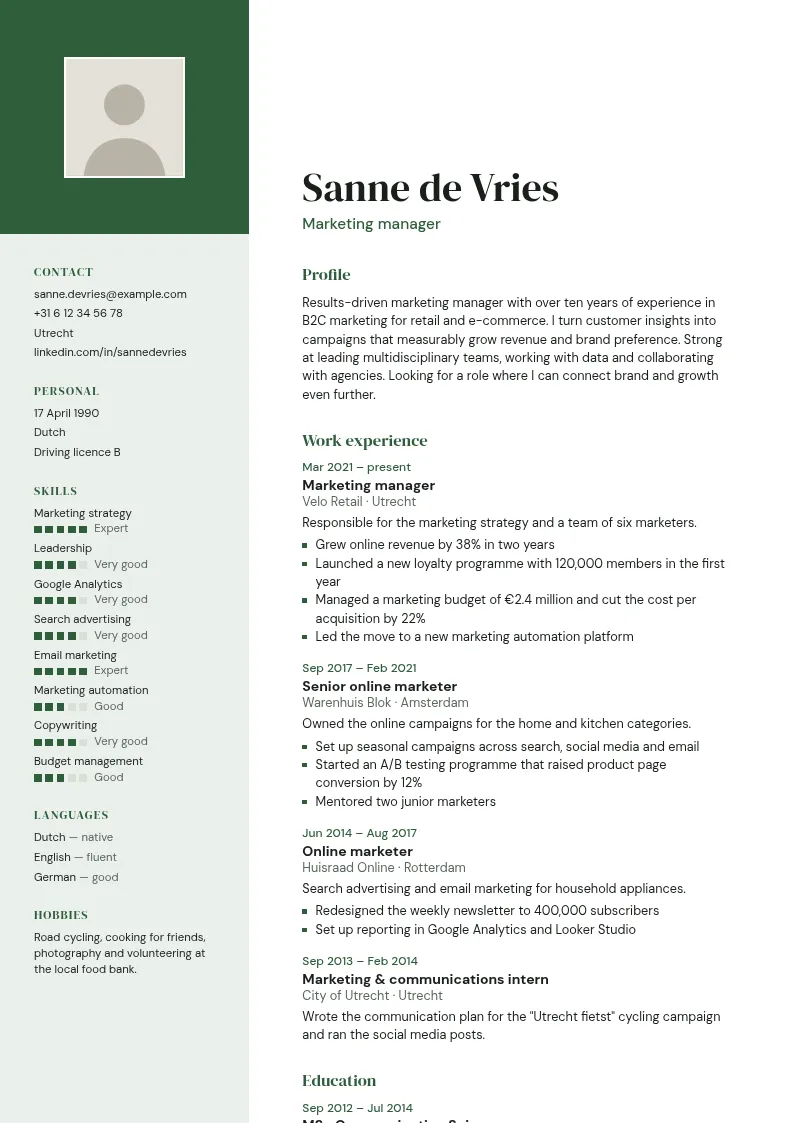
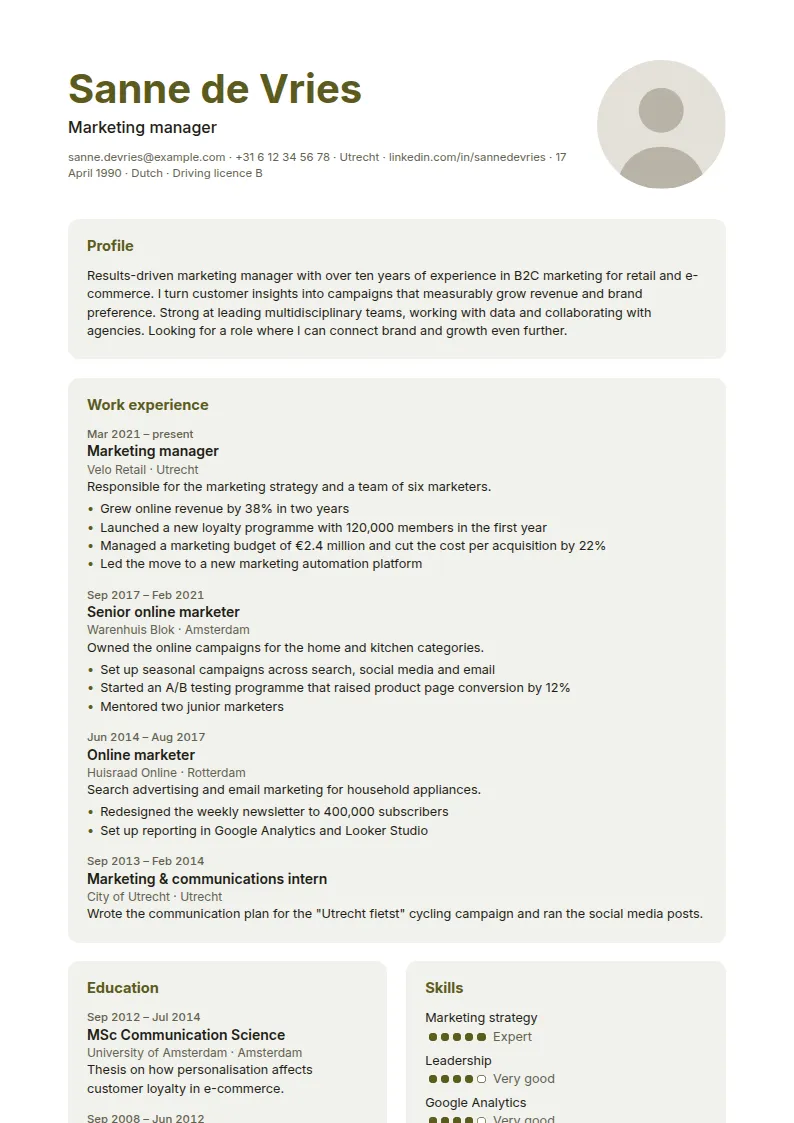
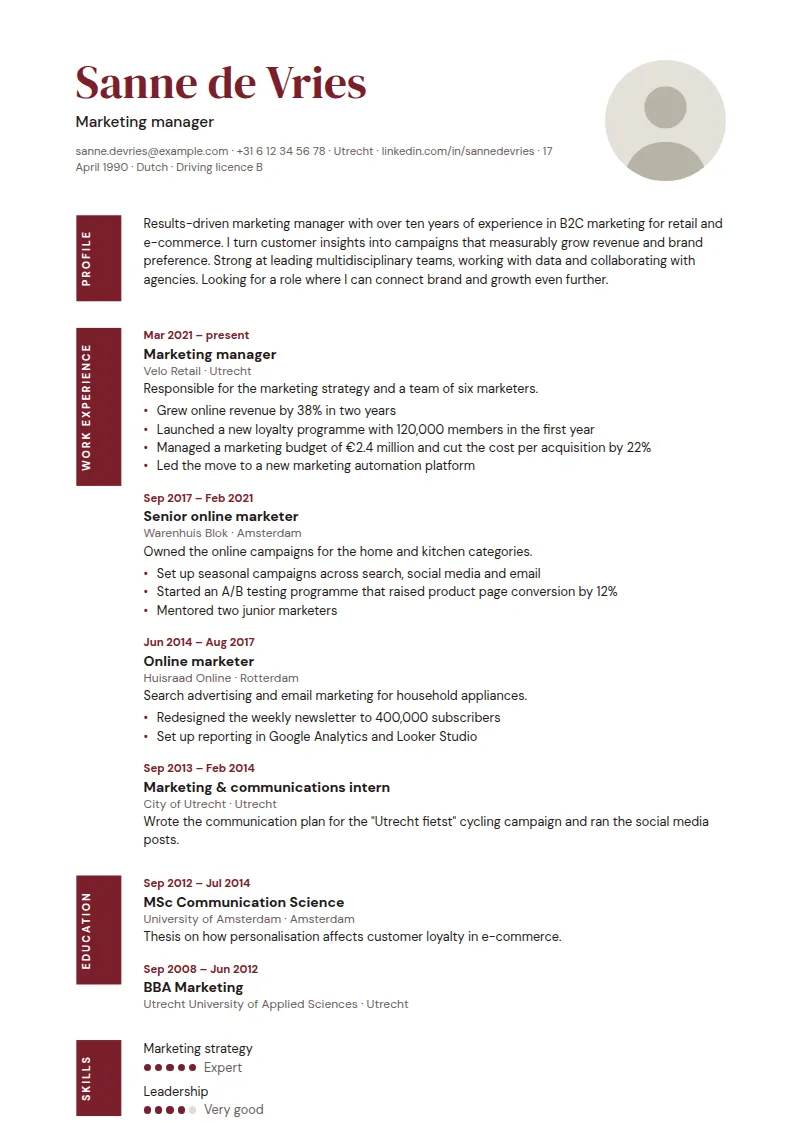
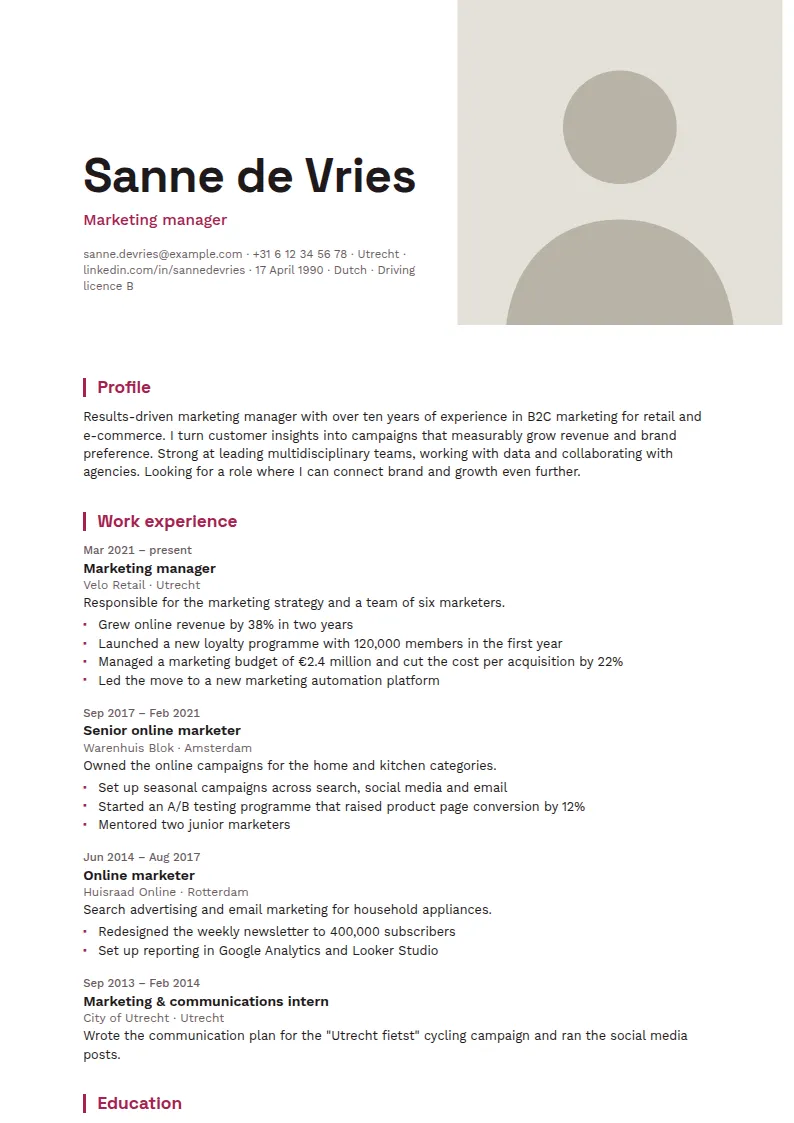
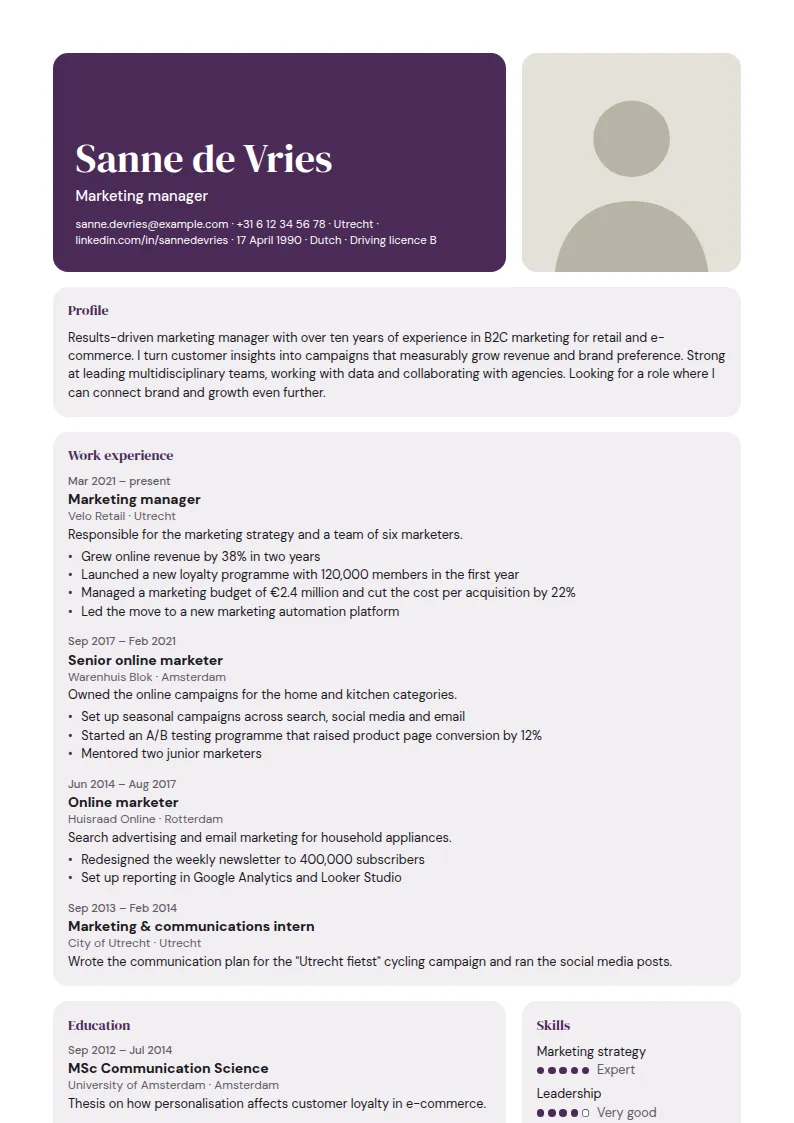
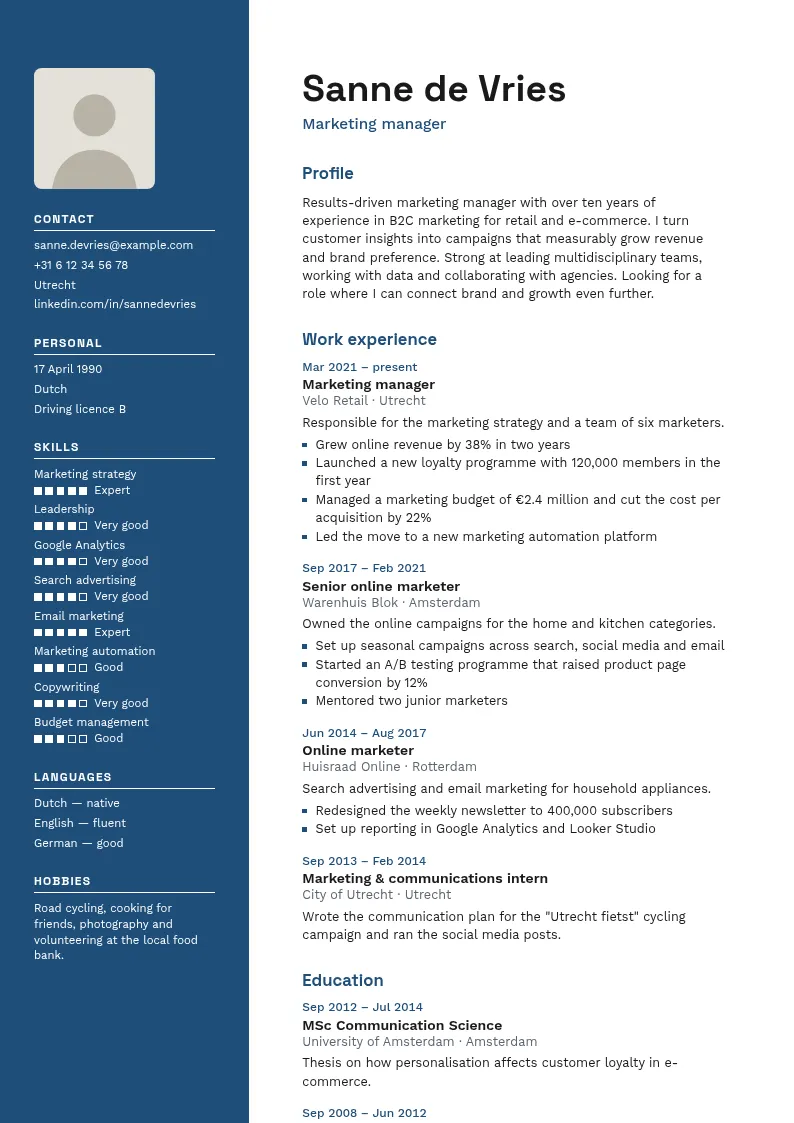
A photo on your CV is a personal choice, not a rule. Employers read photos differently, and some do not expect one at all. The templates on this page have a photo slot in the header, so you can add a photo without changing the layout. The photo sits beside your name and contact details and never covers the text.
Filling in the CV editor is free, and you can switch to another template at any time. Your text stays the same when you switch. You pay €12.95 once per CV to download the PDF.
Each layout comes in 11 colours. Pick one and switch template later if you like: your text stays.
Ocean
Graphite
Navy
Teal
Forest
Olive
Burgundy
Raspberry
Aubergine
A photo lets the reader put a face to your name before the interview. For some employers that is a useful first impression, especially when they compare several candidates for the same role. A photo shows how you present yourself, but it says nothing about your skills, your experience or your results. Those parts still do the selecting, so the photo should support the text, not replace it.
Send a CV with a photo directly to a person, such as a recruiter or a team lead, or hand it over in person.
Online application forms work differently. Many of them upload your CV to a system that reads the text and the layout. A photo can make the layout harder to read for that system, and the photo may never reach the person who reads your application. For a form, send a version without a photo, and keep the version with a photo for direct contact.
Choose a recent photo that looks like you do now. The reader should recognise you at the interview, so do not use a photo that is years old, heavily edited or taken with a filter.
Use a head and shoulders shot with a plain background, such as a wall without objects. Even daylight from the front works well. Avoid strong shadows and busy backgrounds, because they pull attention away from you.
The templates on this page have a photo slot in the header. The photo sits beside your name and contact details, and it never covers the text.
The photo has to match the job and your sector. A formal sector, such as finance, law or the civil service, usually expects a plain background and a conservative look. A creative sector can accept more colour, but the face should still be easy to see at a small size.
A photo does not need your date of birth or your marital status, so you can leave both off. You can also leave off your full home address, because your city is usually enough for an application. The editor stores the photo without the metadata from the camera, so no location data is kept with it.
Think about what the photo reveals. It shows your face and, often, your approximate age. It should not hint at your religion, your health or your family situation. Leave out any detail that the job does not need.
Make two PDFs, one with the photo and one without, and compare them. Read each one as a recruiter would, in the short time you give a CV on a first scan. Check that your name, your job title and your contact details are easy to find in both versions.
Look at the PDF on your phone and as a printout. If your face is too small or too dark to see, choose a different photo. Then ask someone you trust which version they would send.
For online forms, a version without a photo is the safer choice. Keep that version as your standard file for applications through a form, and keep a version with a photo for direct contact. The text stays the same in both, so the only difference is the photo.
No. A photo is a personal choice, not a rule. Some employers expect one and some do not. Read the job advert and the company website first. If you are unsure, send the version without a photo, and offer a photo if the employer asks for one.
It can. Application forms often pass your CV through a system that reads the text and the layout, and a photo can make that harder. For online forms, use a version without a photo. Keep the version with a photo for direct contact with a person.
The CV editor accepts a JPEG photo. It shrinks the photo before upload, so you do not need to resize it yourself. Choose a sharp photo with your face in the centre, cropped to head and shoulders. If the editor shows a message about the file, follow what it says.
Yes. You can change the photo, or switch to a template without one, at any time in the CV editor. Your text stays the same. The download costs €12.95 once per CV.
Pick a template above or start with the default template. You don't need an account to begin.