Skip to content

Create your CV and send it today.

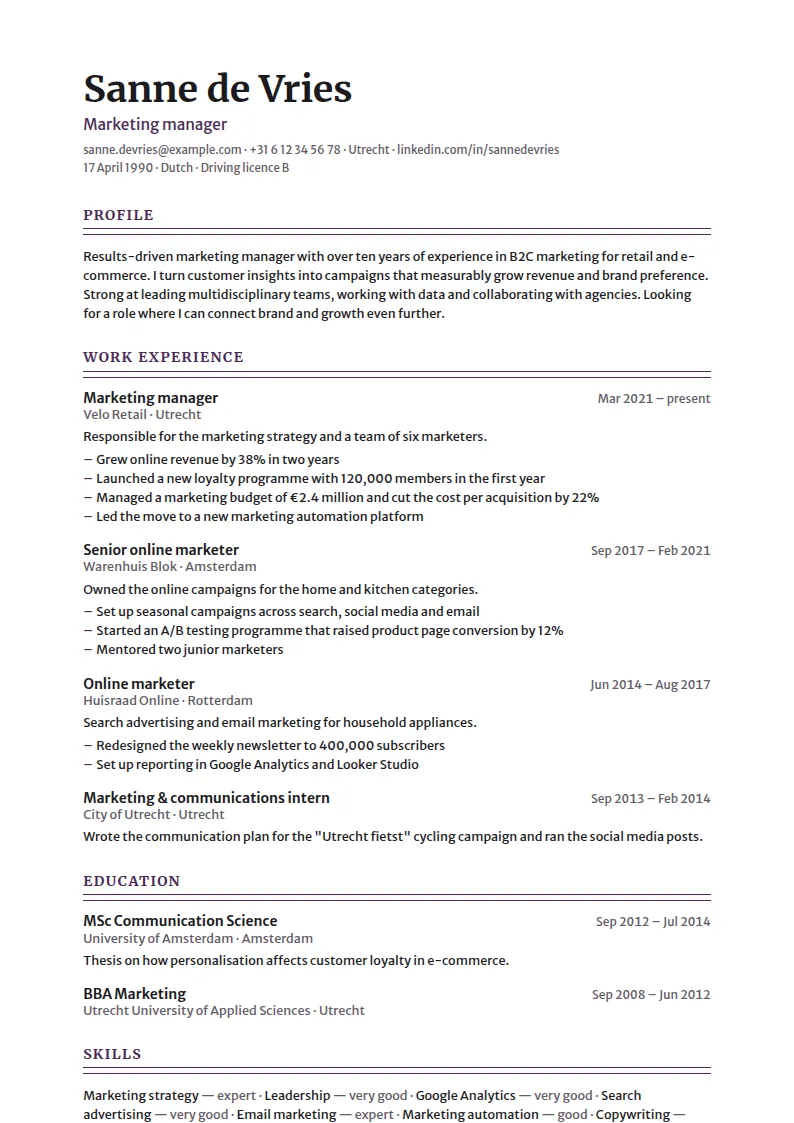
Pick a template and fill in your details, or tell your story to the CV coach. You see your CV on A4 straight away.

You can start without an account. Filling in and previewing are free. You only pay €12.95 when you download, once per CV. No subscription.

Step 3 of 9 · Work experienceJob title, employer, dates and what you did there.

A polished CV in three steps.

  1. 1

    Choose a template

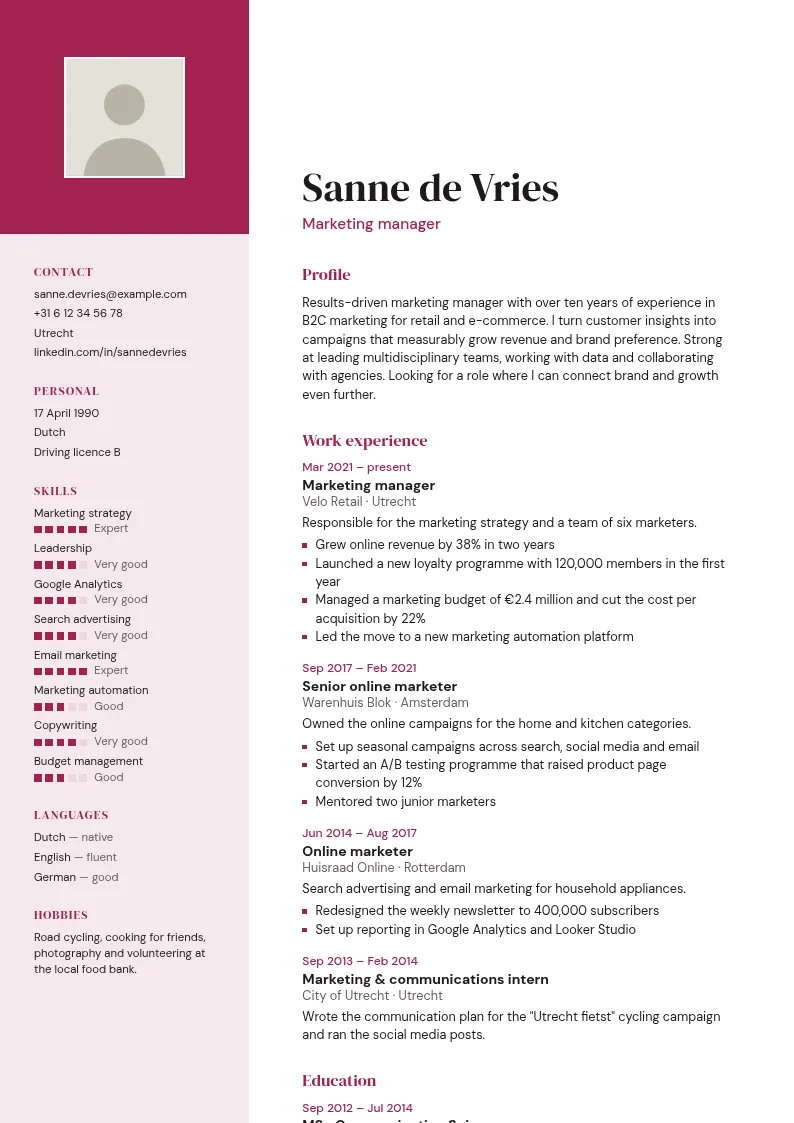
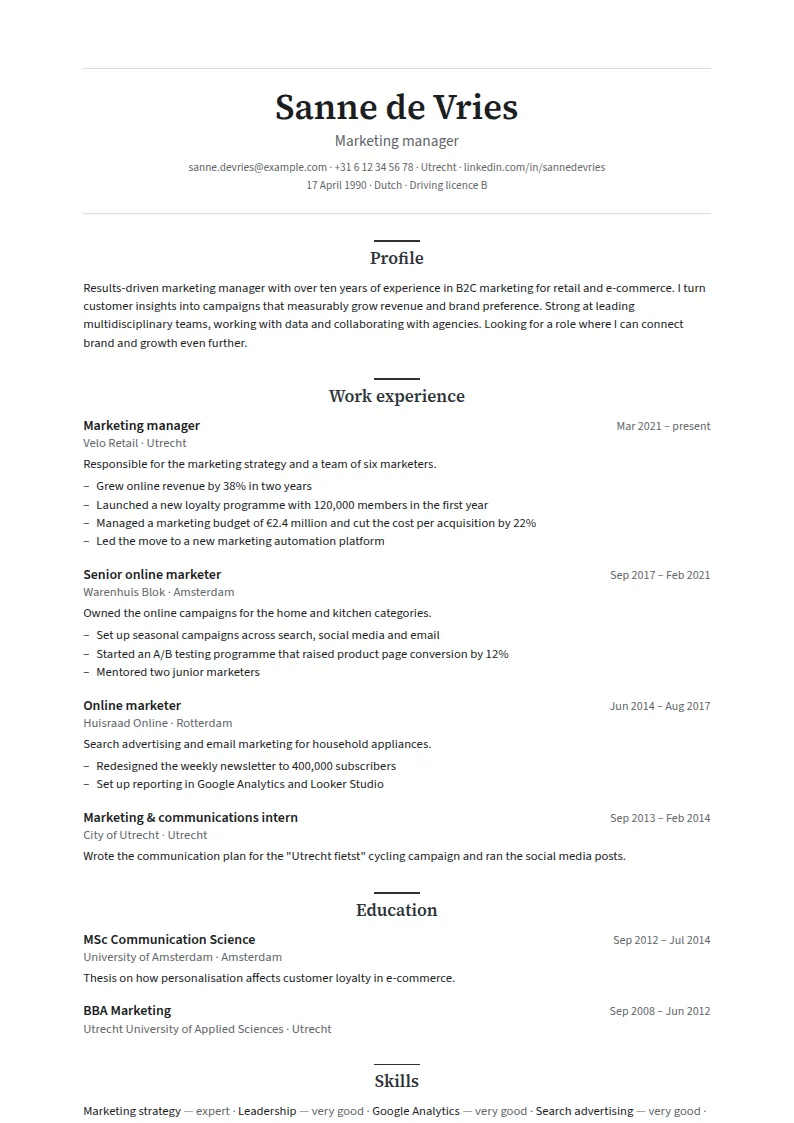
    20 layouts and 11 colours. Feel free to switch later: your text stays put.

  2. 2

    Fill it in or talk it through

    Fill everything in step by step or chat with the CV coach. You see your CV change as you go, and everything is saved automatically.

  3. 3

    Download and share

    Happy with it? Pay €12.95 and download your PDF. Rather send your CV as a link? Just turn on a share link.

Two ways, one CV.

Start by filling in and switch to chatting, or the other way round. Whatever you enter one way shows up straight away in the other. You won't lose a thing.

Step by step

Nine steps with clear fields. Handy if you know exactly what you want to write.

Illustration

Step 3 of 9

Work experience

Job title
Customer service team leader
Employer
Energy company
From
March 2021
To
present

This is my current job

Saved
With the CV coach

The coach asks one question at a time and works your answers into your CV. It never makes anything up and only writes down what you tell it.

Illustration

What was your last job, and what did you do there?

customer service team leader at an energy company, 12 people

Your words

Shall I put it like this: “Led a team of 12 staff”?

Coach's suggestion · you decide

Work experience updated

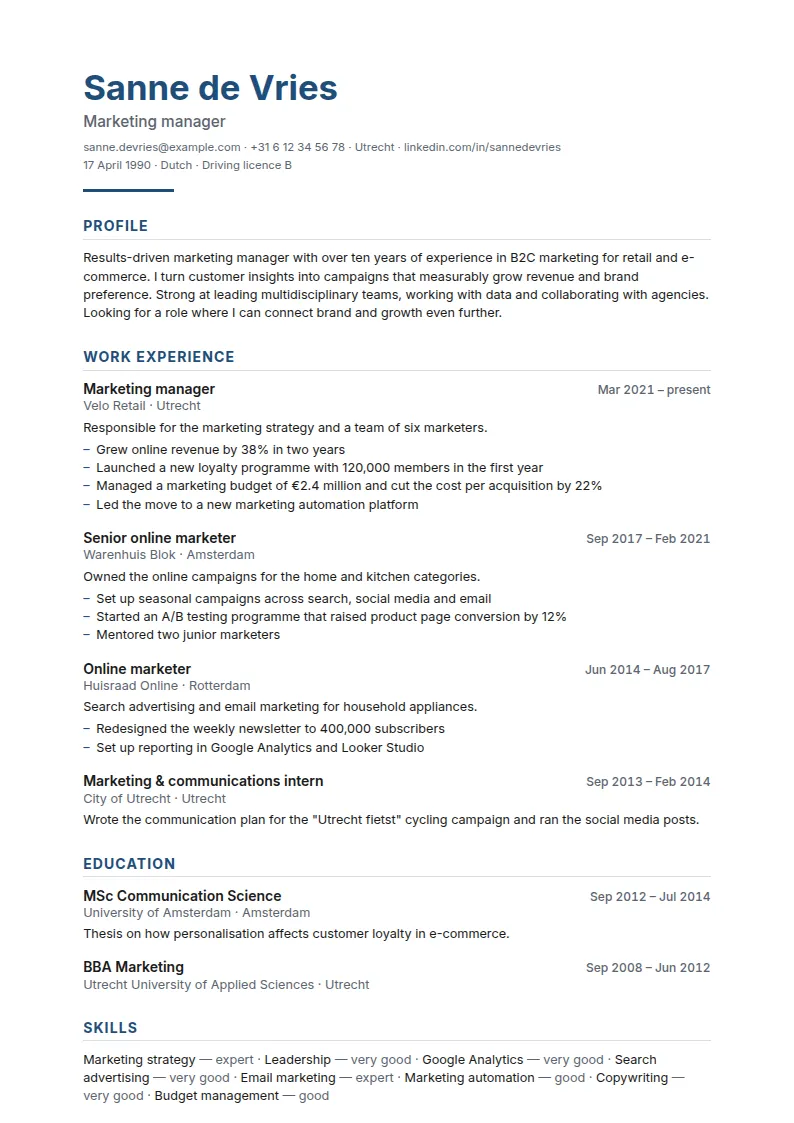
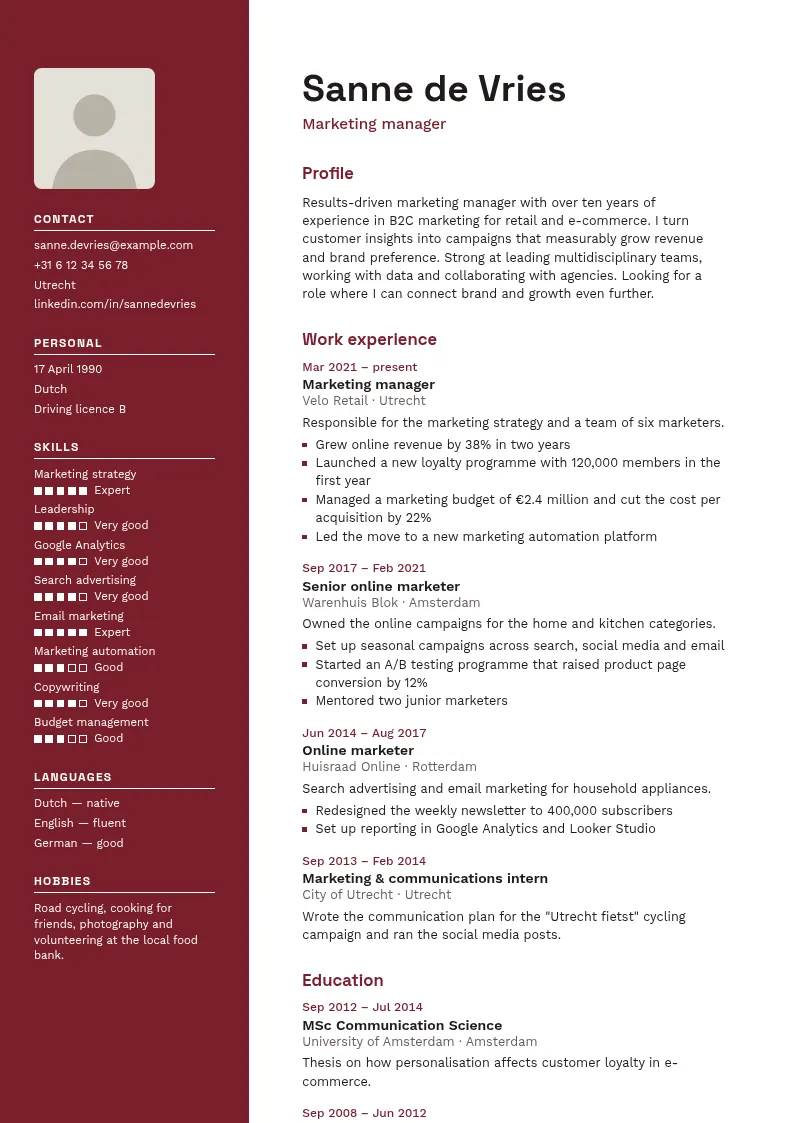
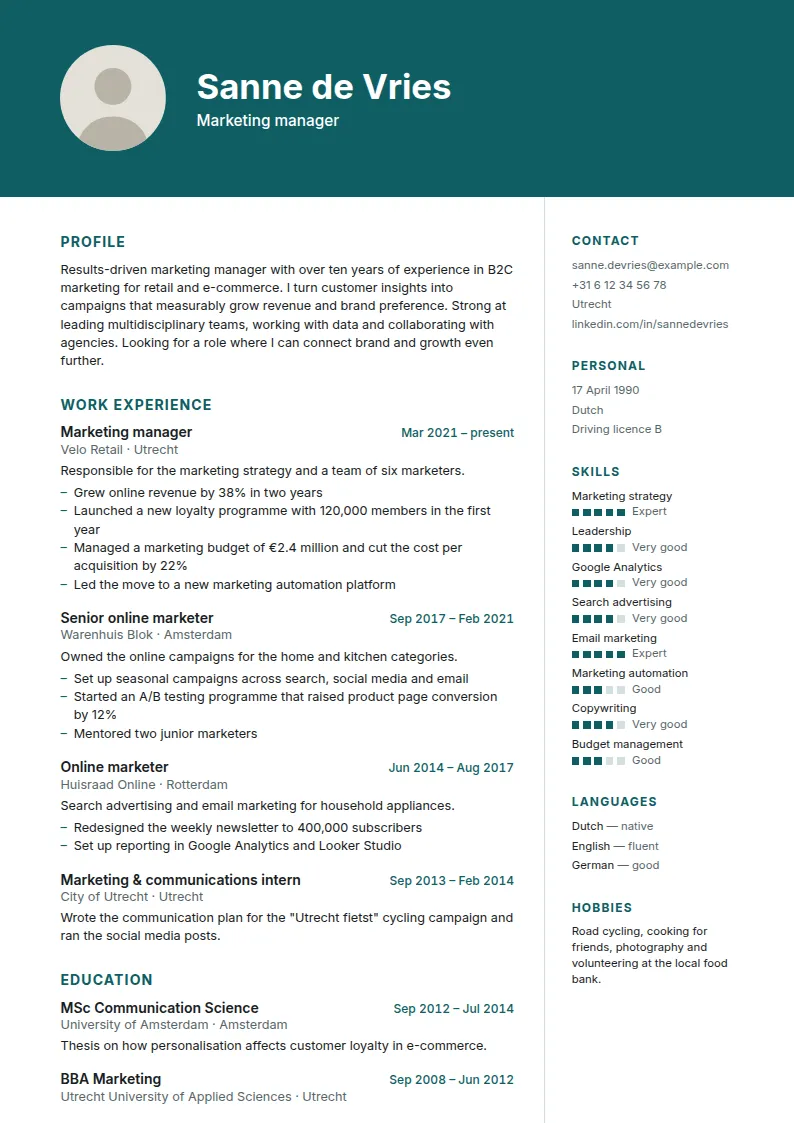
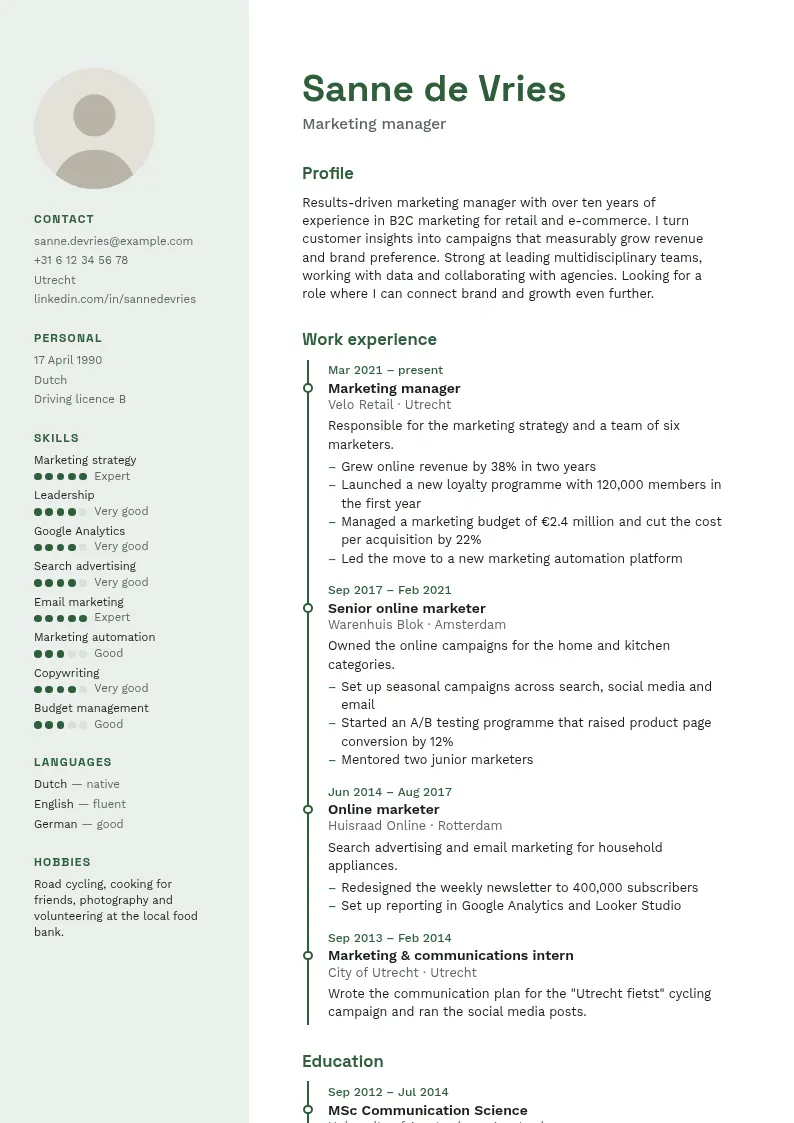
20 layouts. 11 colours.

That's 220 templates in total. You can also choose from six fonts. Switch designs without retyping a thing.

  • Amsterdam

    Ocean

  • Rotterdam

    Burgundy

  • Utrecht

    Graphite

  • Groningen

    Teal

  • Eindhoven

    Forest

  • Haarlem

    Aubergine

  • Zwolle

    Raspberry

Real examples. See all 220 templates in the gallery.

View all templates

From the makers of Topvacaturebank.nl.

On the Dutch job site Topvacaturebank.nl, you search and apply without an account. So we know both the employer's side and the applicant's. We've put that experience into CVmakenOnline.nl.

Visit Topvacaturebank.nl

€12.95

One-off, per CV

Including VAT. No subscription.

You only pay when you want to download.

Filling it in, chatting with the coach and viewing your CV are free. You pay securely with iDEAL or another method.

No trial that quietly turns into a subscription. You pay once, and that's it.

  • Your PDF on A4, without a watermark
  • Edit and re-download this CV as often as you like
  • A share link for recruiters that you turn on and off yourself
  • Switch layout, colour and font whenever you like
  • Pay once, no subscription
  • Start without an account
  • Pay securely with iDEAL and other methods

Frequently asked questions.

Do I need to create an account first?

No. You can start right away. You only create an account with your name, email and password when you check out, or earlier if you like.

How much does it cost, exactly?

€12.95 including VAT, once per CV. There's no subscription and nothing renews automatically.

Can I make a CV for free?

Filling in, previewing your CV and chatting with the CV coach are free. You only pay €12.95 for the PDF download and the share link, once per CV.

Can I still make changes after paying?

Yes. You can then edit and re-download that CV as often as you like.

Does the AI make things up about me?

No. The CV coach only uses what you tell it. It may suggest better wording, but you decide whether it goes in.

How many messages with the CV coach are free?

You can send 40 messages free of charge per CV. Each cover letter the AI writes for you also counts as one message. After you pay for that CV, you get 40 new messages.

Will my CV get through an applicant tracking system (ATS)?

Choose a single-column template with the ATS-friendly label. They're built so these systems can read your text properly.

Who can see my CV?

Only you. Your PDF is stored privately. Only when you turn on a share link can someone with that link view your CV. You can turn the link off again just as easily.

Can I create my CV in English?

Yes. Choose English in the Headings & language step. Dates, levels and the standard headings then switch to English. You write your own text in English yourself.

Do I get an invoice?

Yes. After paying, you'll find the invoice in your account under Invoices. You can download it as a PDF.

CV maker, CV builder or CV generator?

They are three names for the same thing: a tool to make a CV. Ours is called a CV builder. You fill in your details or build your CV with the CV coach, pick a template and download it as a PDF.

How long should a CV be?

For most people one or two A4 pages is enough. Use one page if you have little work experience and two if you have more relevant experience. Put the most important things first.

What is the best CV format?

A clear CV on A4, with clear headings, saved as a PDF. Recruiters and applicant tracking systems (ATS) read that layout well. Choose a layout labelled ATS-friendly in the templates.

What do you do with my data?

Your CV files and PDFs are private: only you can see them, unless you switch on a share link. Payments go through a payment provider. The AI coach processes what you type in the conversation at Anthropic. If you delete your account, we erase your CVs, photos, PDFs and AI conversations. More is in the privacy statement.

Ready to get started?